Service Monitoring > Service Monitoring Utilities > CygNet ServiceMon Administration Utility > Exploring SVCMON Points > Trending SVCMON Point Values

Trending SVCMON Point Values

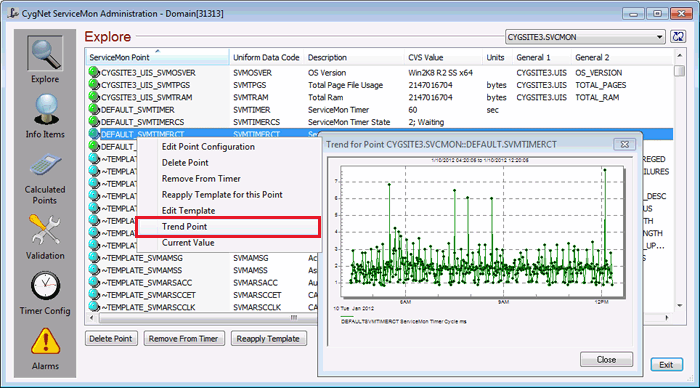
SVCMON points, including calculated points, can be trended from the Explore view. The default data window is a relative 8-hour window. You can change the window while viewing the data.

Trend Point

To Trend a SVCMON Point

  1. In the Explore view, right-click on a point and select Trend Point.

See Trend Tool for information about trending and trend manipulation.


Let us know how we can improve this topic.

CygNet at weatherford.com

© 2020 Weatherford. All rights reserved.